

About the game
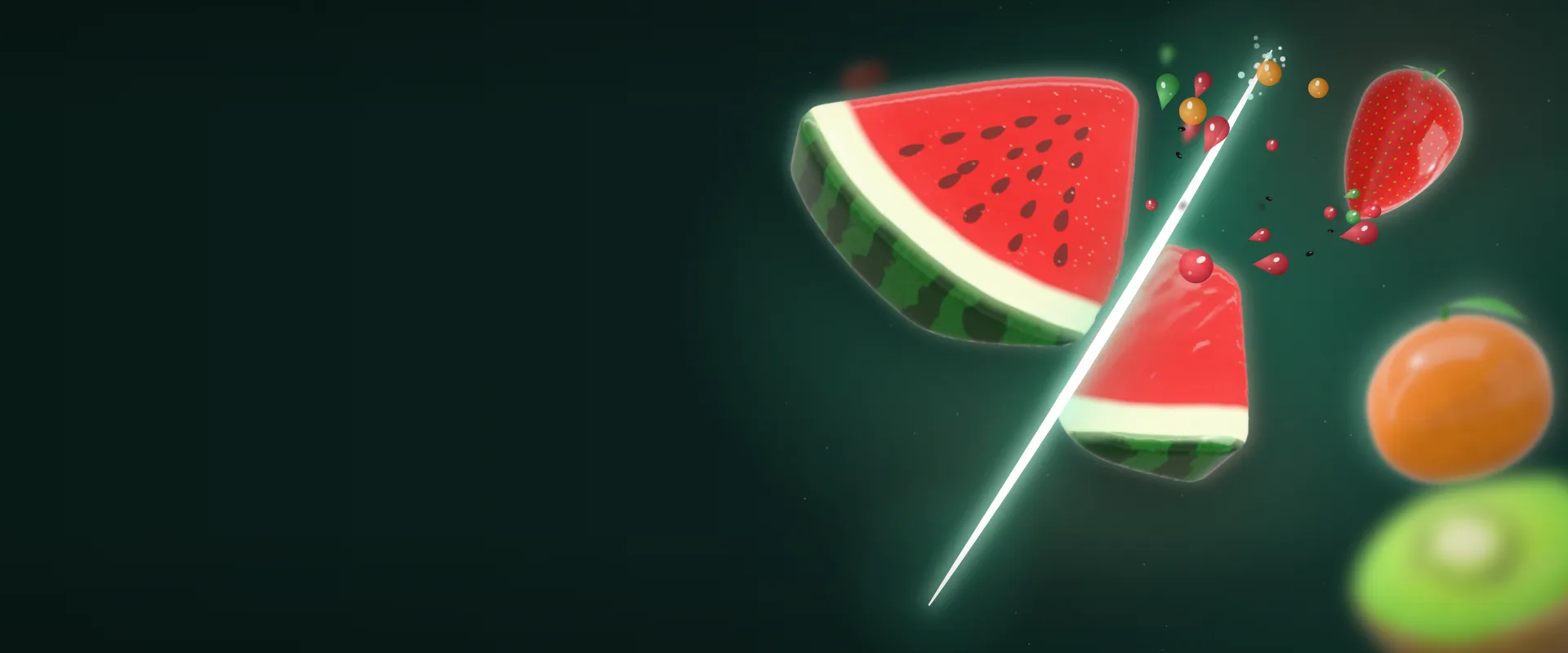
GelaTina is a game for unwinding: on a mint-green plate sits a fruit made of jelly, and you slice it with your finger or your mouse. There are no points, no timer and no levels to beat. The fun is watching the jelly react: every piece wobbles, sticks a little to its neighbor and slides across the plate, just like real jelly.
There are four fruits: a big watermelon slice with rind and seeds, plus a whole strawberry, orange and kiwi. The cut follows exactly the path you draw: straight, crooked, zigzag or closing a circle. When the blade passes through the watermelon or orange seeds, they come loose and drop onto the plate, and the strawberry’s leafy top and the orange’s leaf can be sliced too.
Behind the play there is a real 3D soft-body simulation: each piece is filled with a mesh of tiny tetrahedra that resist stretching and keep their volume, which is why the jelly thins out when you pull it and jiggles back when you let go. The game tunes its graphics and physics on its own to run smoothly on simpler phones and tablets.
It runs right in your browser, on phones and computers, with nothing to install and no sign-in. The interface and the voice that accompanies you are available in Portuguese, English and Spanish: just pick a flag on the opening screen.
Highlights
- 4 jelly fruits: watermelon, strawberry, orange and kiwi
- Free-form cuts that follow your exact stroke
- 3D soft-body physics: stretches, sticks and wobbles
- Seeds and leaves that come loose when cut
- A spinning plate and a tilting view
- Text and voice in Portuguese, English and Spanish
How to play
- On the opening screen, pick your language with the flags and tap Play!. The first time, a short tutorial with a little hand shows each gesture and waits for you to try it; you can skip it at any moment.
- With Cut mode on, swipe your finger (or drag the mouse) across the fruit. The cut follows the exact path of your stroke and separates whatever it crossed.
- Tap Drag to handle the pieces: hold one and pull. The jelly stretches, lifts a little and wobbles when you let go.
- Use the bar at the bottom to spin the plate (the pieces ride along through friction) and the strip on the right to tilt the view, looking more from above or more from the side.
- Tap one of the fruits in the panel to switch: the new fruit appears whole on the plate.
- When the plate gets crowded, tap Restart to get the whole fruit back. The ? button shows the tutorial again.
Tips
- The speed of your stroke changes the result: cut slowly and the pieces stay close together; cut fast and they spring apart, with a louder sound. A fast cut also knocks loose more seeds.
- Draw a closed circle over the fruit to punch out a round piece from the middle, like a cookie cutter. Small circles work too.
- Spin the plate quickly and let go of the bar: it keeps turning on its own and slows down gradually, carrying the pieces and loose seeds with it.
- Each fruit has its own firmness: the watermelon slice is the softest and wobbles the most, while the orange is the firmest. Try pulling the same kind of piece on different fruits.
- Pieces that have toppled over can be sliced again. Tilt the view to get a better look at the cut face before you swipe.
- There is a limit to how many pieces fit on the plate (up to 24, fewer on simpler devices). When the “lots of pieces” notice shows up, tap Restart.
Keyboard and mouse
| Left-button drag | Cut (in Cut mode) or pull a piece (in Drag mode) |
| Quick click on a piece | Make the jelly wobble (in Cut mode) |
| Click and hold still on a piece | Grab the piece, even in Cut mode |
| Right-button drag | Orbit the camera around the plate |
| Drag the bottom bar or ←→ | Spin the plate (arrows when the bar is selected) |
| Drag the right strip or ↑↓ | Tilt the view (arrows when the strip is selected) |
Touch on phones
| Swipe | Cut along your stroke |
| Quick tap on a piece | Wobble the jelly |
| Hold still on a piece | Grab and drag the piece |
| Two-finger pinch on a piece | Grab the piece |
| Two fingers away from the pieces | Orbit the camera |
| Bottom bar and right strip | Spin the plate and tilt the view |
FAQ
Do I need to sign in to play?
No. GelaTina opens right in your browser with no sign-in and no registration. It has no leaderboard, so nothing depends on an account.
Are there points, a timer or levels?
No. It is a free-play game for relaxing: you slice, grab and play with the pieces for as long as you like, with no score or clock to worry about.
Does it work on phones?
Yes, in portrait or landscape. The plate adapts to the free space on the screen and the controls are designed for fingers. On a computer you play with the mouse.
It runs slowly on my device. What can I do?
The game measures its own speed and lowers the quality automatically when needed. On the site, the Jogali! menu also has a “Modo leve” (light mode) switch with fewer effects and smoother play.
Can I turn off the voice and sounds?
Yes. The sound button at the top turns everything off: the jelly sounds, the opening jingle and the voice that comments on your play.
Is there an app version?
An Android version of GelaTina is currently being tested. In the browser the game is already complete, with the same four fruits.